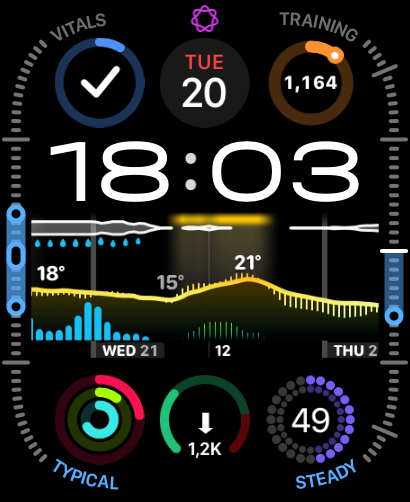
Modular Ultra
My setup for Apple Watch Ultra. Complications may require their matching apps and will update with your own data.
PICK YOUR EVERYDAY
Six personal setups.
All yours, all free.
My setup for Apple Watch Ultra. Complications may require their matching apps and will update with your own data.
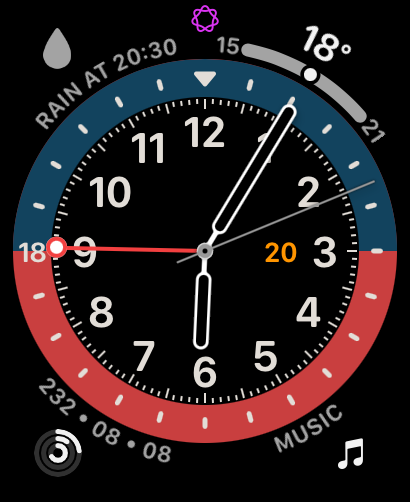
A world-clock face with a 24-hour ring. Set your extra zones in the Watch app after adding it.
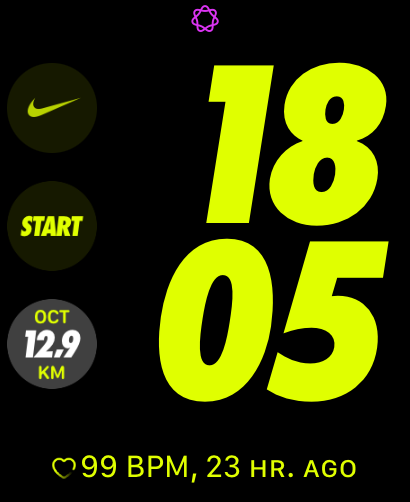
The Nike digital style in a bold layout. Nike Run Club complications need the Nike Run Club app.
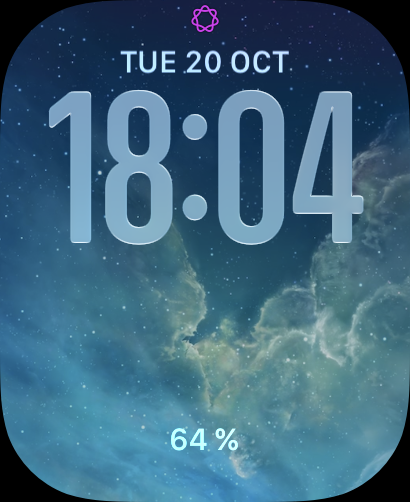
Uses photos from your synced album — it will show your own pictures, not the ones in my preview.
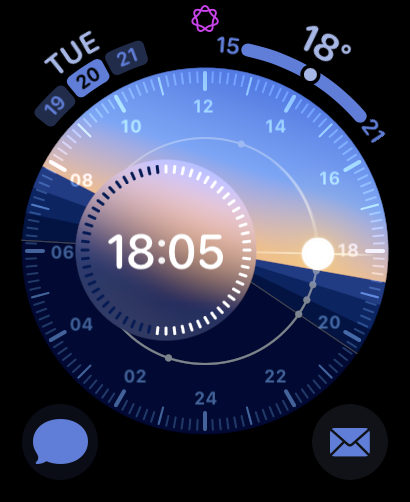
The dial follows real sunrise and sunset for your location, so it adapts to your city.
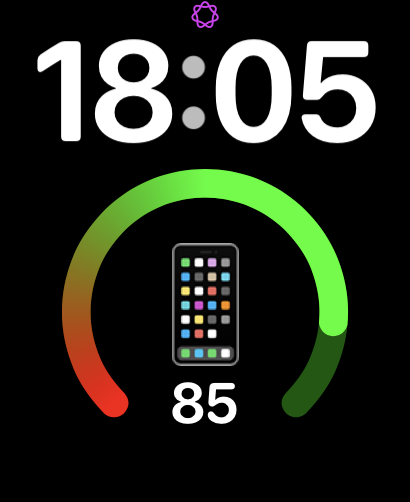
Extra-large digits, easy to read at a glance. Complications will show your own live data.
FROM HERE TO YOUR WRIST
Use your iPhone to add a face. Availability depends on your Apple Watch model and watchOS version.
Deep dives into every watchOS 27 beta — including the new Siri AI on your wrist.
All my Apple Watch videos in one place — play any of them right here.


